Building a Laravel API a mobile app can live with
A website can change with every deploy. A mobile app cannot, because old versions stay on phones for months. These are the rules I follow for APIs that apps depend on.
 Written byMuwafaq Murad
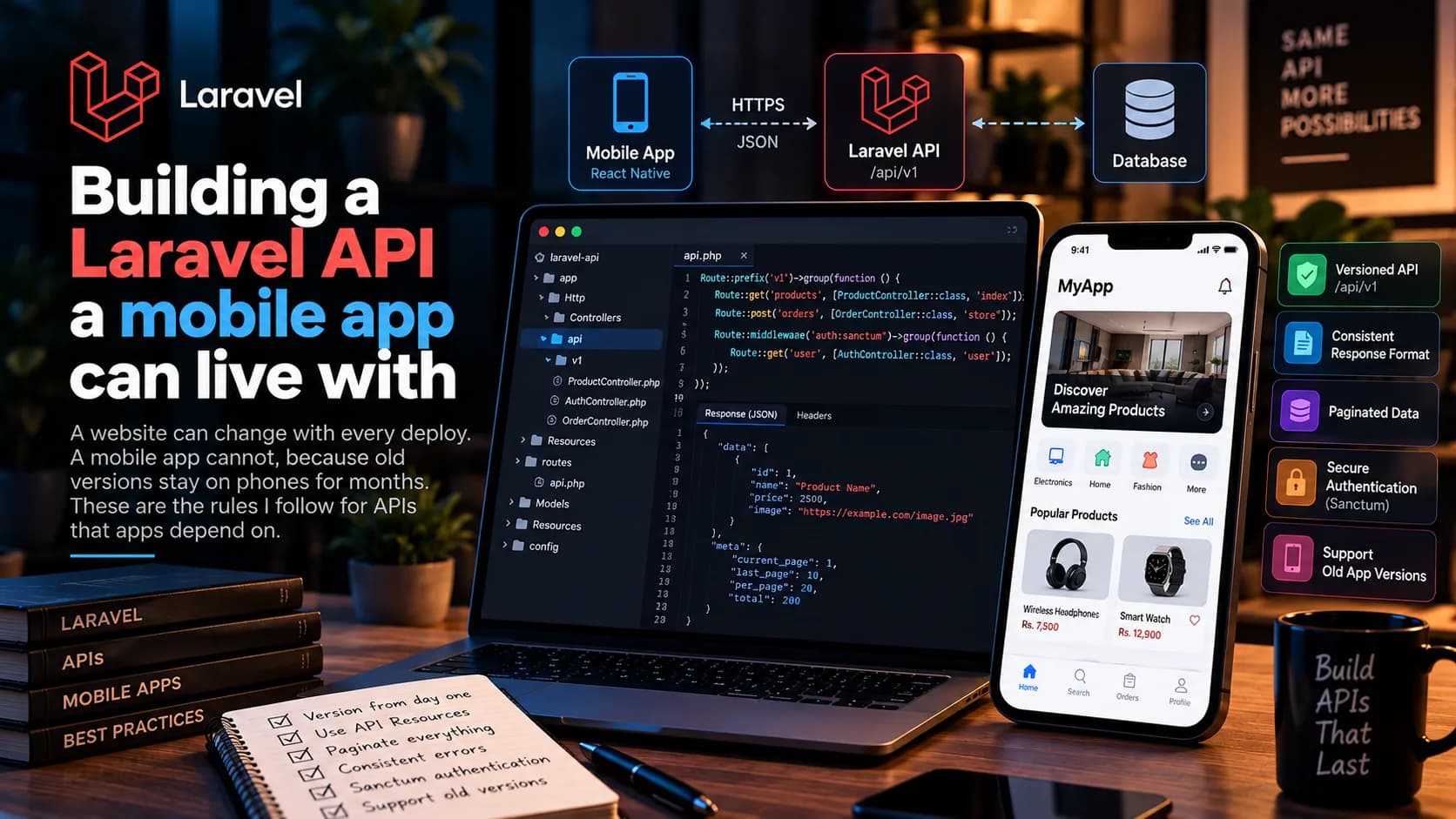
When a Laravel API serves only a website, I can change a response and update the front end in the same deploy. A mobile app is different. Once a version is on someone's phone, it stays there until they update, which might be never. The API has to keep that old version working.
These are the rules I follow.
Version from day one
I put every route under /api/v1 from the start. It costs nothing early, and the day a breaking change is unavoidable, I add v2 beside it while old apps keep calling v1.
Route::prefix('v1')->group(function () {
    Route::get('products', [ProductController::class, 'index']);
});
Never return models directly
Returning an Eloquent model sends every column, and renaming a column in the database silently changes the API. I use API Resources so the response shape is written down and stays the same even when the database changes.
return ProductResource::collection(
    Product::query()->latest()->paginate(20)
);
Add fields, do not remove them
Adding a new field is safe. Old apps ignore it. Removing or renaming a field breaks them. If a field must go, I keep sending it, mark it as deprecated in the docs, and remove it only in the next API version.
Paginate everything that can grow
A list of ten products today is a list of two thousand next year. Every list endpoint is paginated from the start. For feeds that the app scrolls forever, cursor pagination is a good fit because it does not skip or repeat items when new ones are added.
One error format
The app should handle errors the same way everywhere. Laravel already returns validation errors as JSON with a message and an errors object when the request asks for JSON. I make sure every other error, like not found or unauthorized, also comes back as JSON with a clear message and the right status code, never an HTML error page.
Tokens for phones
For authentication I use Laravel Sanctum with personal access tokens. The app stores the token in secure storage on the phone and sends it in the Authorization header. Each device gets its own token, so a user can log out of one phone without being logged out everywhere.
Tell the app when it is too old
I add a small endpoint that returns the minimum supported app version. When the app starts, it checks this and can ask the user to update. That gives me a clean way to retire very old versions instead of supporting them forever.
None of these rules are clever. They just save you from a lot of trouble later.